1111bat Login — Access your account securely with simple step-by-step guidance
Logging in to 1111bat is straightforward from any device — mobile or computer. On this page you will find step-by-step login instructions, what to do if you forget your password, and practical tips for keeping your account secure.
1111bat Login Form — At a Glance
Access your account
For ages 21+. Play responsibly.
The 1111bat login page is clean and fast. You can access your account in just a few seconds with your username and password. The form shown here gives you a clear idea of what information goes where.
After logging in, you go straight to your dashboard, where you can access deposits, games, and bonuses. The 1111bat interface is available in Bengali, so new users can find their way around with ease.
When you log in from a mobile browser, the page automatically adjusts to fit a smaller screen. No separate app download is needed — just go to the 1111bat site and log in directly.
Step-by-Step Login Instructions — Phone and Computer
Below you will find complete 1111bat login guides for both mobile and computer. The two methods are very similar, but differ slightly depending on screen size.
- Open any browser on your mobile (Chrome, Firefox, or Samsung Browser) and go to the official 1111bat address. Type the address yourself — do not use a third-party link.
- Tap the "Login" button at the top right of the page. The login form will open.
- In the "Username" field, enter your registered username. Pay attention to uppercase and lowercase letters.
- Enter your password in the "Password" field. Tap the eye icon if you want to see what you are typing.
- If OTP verification is enabled, enter the code sent to your registered mobile number in the designated field.
- Tap the "Log In" button. If successful, you will go straight to your account dashboard.

- Open a new tab in your computer's browser (Chrome, Edge, or Firefox) and type the correct 1111bat URL directly into the address bar.
- You will see the "Login" button at the top right of the page. Click it.
- In the form that appears, enter your username in the "Username" field and your password in the "Password" field.
- If you want to stay logged in on your own device, check the "Remember me" checkbox. Avoid using this on a public computer.
- If OTP is active, enter the code sent by SMS. If it is not active, skip this step.
- Click "Log In". After a successful login, the dashboard will load and you will see your balance, bonuses, and game history.

Forgot Your Password or Username?
Password Recovery
- On the login page, click the "Forgot your password?" link.
- Enter the email address or mobile number you provided during registration.
- A verification code (OTP) will be sent to your phone or email.
- Enter the code in the correct field and create a new password. Make it different from your previous one and at least 8 characters long.
- Log in again using your new password.
Cannot remember your username?
If you have forgotten your username, try logging in with the email address or mobile number you used during registration — this often works.
If that does not work either, contact 1111bat's 24/7 live chat support. Have your registered mobile number or email ready to verify your account. The support team can help in both Bengali and English.
To avoid this problem in the future, store your username and password in a secure password manager.
Important Tips for Account Security
Online account security does not depend on a strong password alone — following a few habits will keep your 1111bat account much safer. In particular, it is important to follow the terms and conditions and always log in on the correct site.
With OTP verification, your identity is confirmed via a code sent to your mobile at every login. Keeping it active means that even if someone else knows your password, they cannot access your account.
Many phishing sites are made to look like 1111bat. Before logging in, check the address bar in your browser for the correct URL and an HTTPS indicator (padlock icon). Never log in through a link from an email or message.
Use a mix of uppercase letters, lowercase letters, numbers, and special characters (!@#$) in your password. Do not use simple words or your date of birth as a password.
If you log in at an internet café or on someone else's phone, always log out when you are done and do not use the "Remember me" option.
If you think there has been an unauthorised attempt to access your account, change your password immediately and notify 1111bat's live chat support.

SSL Protection
1111bat uses SSL encryption for all logins and transactions. This means your password and personal information are sent in encrypted form — third parties cannot read them. Read the privacy policy to learn more.
Common Login Issues and Solutions
If you have trouble logging in, there is no need to worry. Most issues can be resolved on your own. Below are the most common problems and their solutions.
Check whether Caps Lock is on. If you cannot remember your password, use "Forgot your password?". Entering the wrong details multiple times may temporarily lock your account — contact support if this happens.
First check your network connection. If SMS is not blocked, wait 5–10 minutes and try again. If the problem continues, let live chat know.
Check your internet connection. Clear your browser's cache and cookies and try again. Try a different browser. Switch from mobile data to Wi-Fi or the other way around.
Entering incorrect details repeatedly may cause your account to be temporarily suspended for security reasons. In this case, contact 1111bat's live chat support — verifying your identity with your registered number or email will get it resolved quickly.
If your browser is not up to date, the login page may not work correctly. Use the latest version of Chrome, Firefox, or Edge. If JavaScript is disabled in your browser, enable it.
Having a VPN active may interfere with logging in. Turn off the VPN when logging in and use a direct internet connection.
After Logging In, Get Started on 1111bat
After entering your account, 1111bat offers a 120% bonus on your first deposit, up to ৳8,000 — for example, depositing ৳1,000 gives you a ৳1,200 bonus and a total balance of ৳2,200 (wagering ৳1,200 × 25 = ৳30,000). The minimum deposit is just ৳100. Deposits and withdrawals are available via bKash, Nagad, and Rocket; withdrawals are generally completed within 30 minutes to 3 hours. Regular players can join the VIP programme — weekly cashback is available across four tiers from Bronze to Platinum.
Learn About 1111bat CasinoWhat You Can Do After Logging In
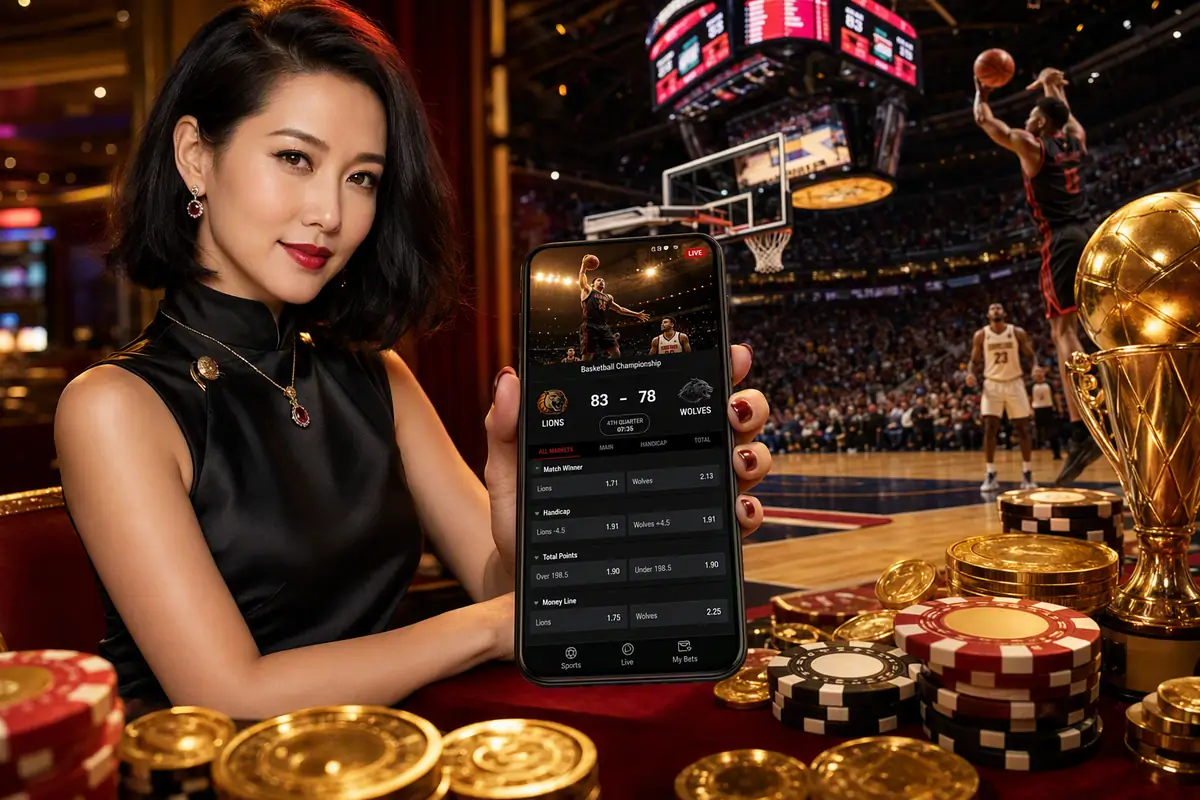
Once you have logged in successfully, the full 1111bat platform is open to you. From the dashboard you can make a deposit directly, view active bonus offers, and go to your preferred games.
If you enjoy slots, the 1111bat Slots section has games from many providers including PG Soft, Pragmatic Play, and JILI. If you prefer live casino, you can enjoy table games from Evolution and Pragmatic Play Live at 1111bat PP Live.
To bet on cricket, go straight to the Cricket section after logging in — you will find opportunities to bet on matches including BPL, IPL, T20 World Cup, and Bangladesh Tigers games.
In account settings you can set deposit limits, set up self-exclusion, and view your play history. Following the responsible gaming guidelines is important for healthy entertainment.